Supplier Pre-Qualification Application
Once the supplier user completes the registration, the user has to log in to proceed with the Pre- Qualification Application in case the pre-qualification window is still open. In case the window is closed, a supplier user will wait till the next pre-qualification window opening.
To proceed with pre-qualification, select the Start Application functionality.
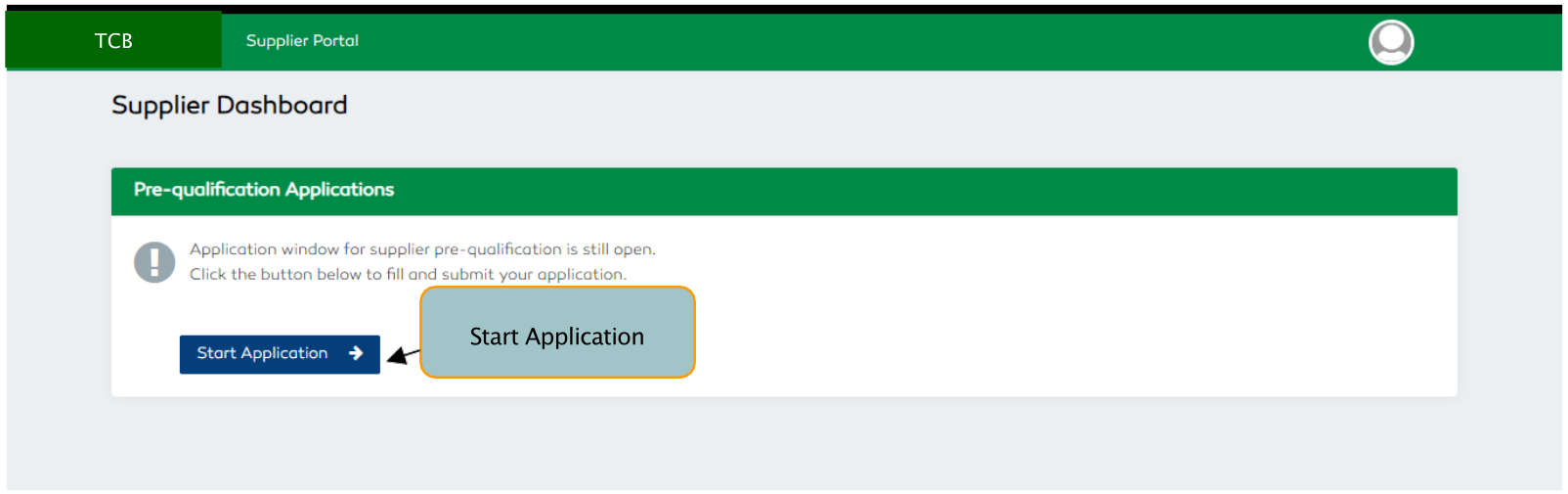
Figure 167: Supplier Prequalification Applications
Once a supplier user selects the Start Application a Supplier DashTCBrd with the pre-qualification summary
details will be displayed.
- Select the
Viewfunctionality to proceed with pre-qualification. - On clicking the view feature, a
Supplier Pre-Qualification Application Formwill be displayed. The pre- qualification form will describe to the supplier thePre-Qualification Criteria Required and the Scoring System
| S/N | CRITERIA REQUIRED | SCORE |
|---|---|---|
| 1. | Registration Documentation | 25 (Points) |
| 2. | Business Information | 20 (Points) |
| 3. | Financial Position | 25 (Points) |
| 4. | Past Experience | 25 (Points) |
| 5. | Sworn Statement | 5 (Points) |
| TOTAL | 100(Points) |
Table 5: Supplier Prequalification Applications Criteria