Viewing / Deleting an Attachment
A supplier user is capable of deleting uploaded attachments by selecting the Delete functionality found on the
attachments’ row. A user will confirm the process before submission.
To view an attachment, select the specific attachment you want to view and a new tab will be opened to let a
user view the attachment.
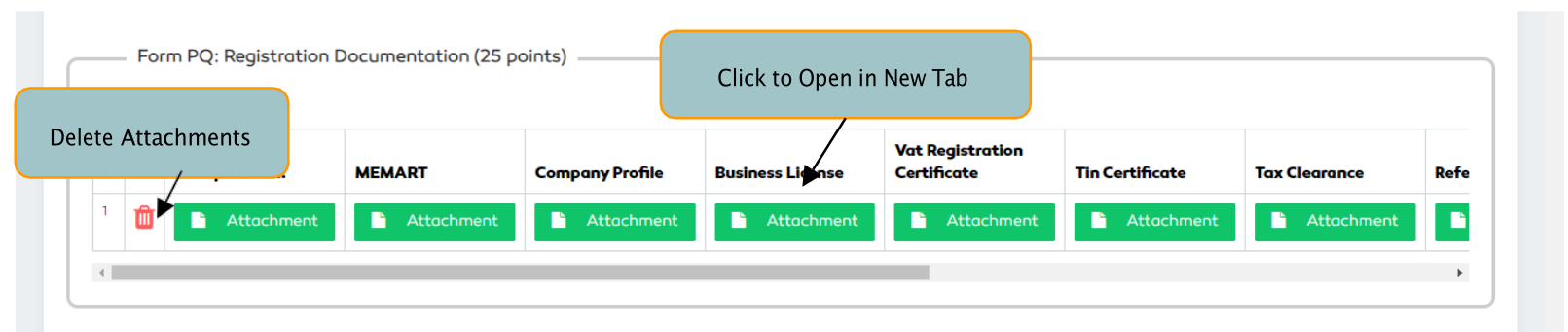
Figure 170: Managing Supplier Attachments