Supplier Registration
The non-authenticated vendors can access the registration page and complete the required details for their company as well as for their user accounts. The registration portal can be accessed from the suppliers’ login page.
Vendors with no accounts will be prompted to complete their registration first. A vendor has to select the
Register Account functionality to proceed with registration.
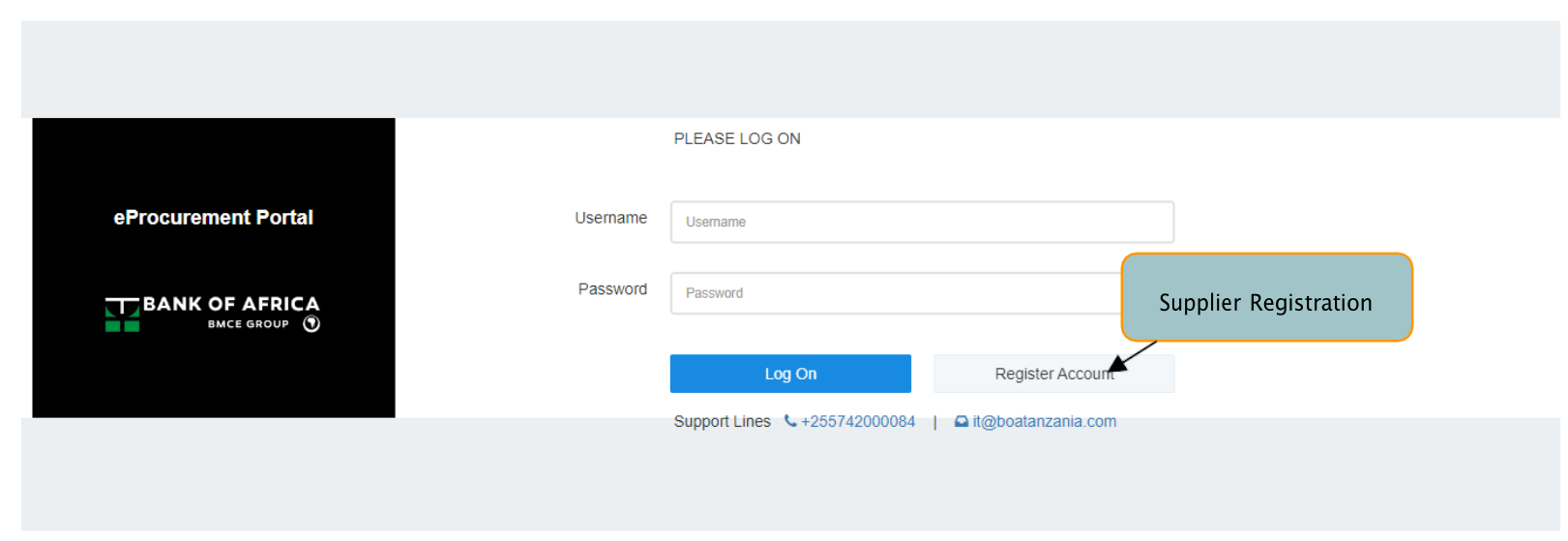
Figure 166: Supplier Registration
On selecting the Register Account feature, a Supplier Registration Form will be displayed to the user. A user
has to fill in all the required details. The information to be filled by the user are as described in the table
below;
| S/N | VENDOR’S INFORMATION |
|---|---|
| 1. | Supplier Type |
| 2. | Supplier Name |
| 3. | TIN |
| 4. | VRN |
| 5. | Service Category |
| 6. | Supplier Phone Numbers |
| 7. | Supplier Locality |
| 8. | Supplier Country |
| 9. | Supplier Region |
| 10. | Street |
| 11. | Name of Building |
| 12. | Room/Office No |
| 13. | Floor No |
| 14. | Full Name of Applicant |
| 15. | Applicant Email |
Table 4: Vendor’s Information
Once a supplier user completes filling their details, they will select the Submit functionality to submit
their information.
Once the information is submitted, a message on successful registration will pop up on the supplier’s
registration page.